ai search assist
While browsing maps in LUNA, if you click the blue chat icon in the bottom right hand corner you'll be able to ask our new AI Search Assist questions (in any language with answers in that language)!
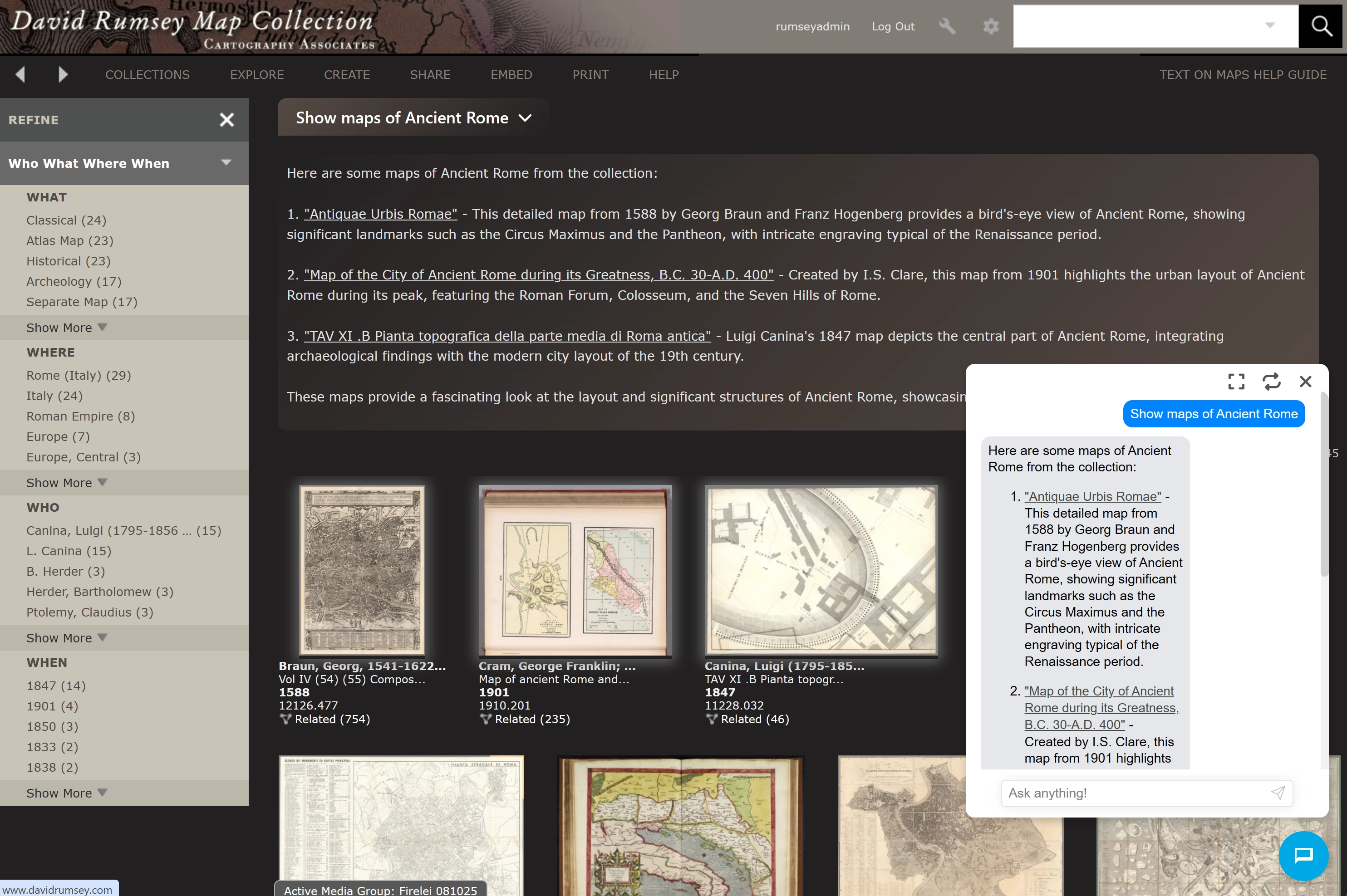
1. From the main collection, you can ask generic questions like: "Show maps of Ancient Rome" or "Find maps that show details of rivers".
Asking questions in this way will bring up a response from the AI Search Assist with a list of maps in the collection matching your question plus additional maps that are related. At the bottom of the list click on "Click here to view results" to see the results in Luna.
Unlike the Luna keyword or Advanced Search, the AI Search Assist allows you to enter phrases or sentences and to find answers that go beyond what is given in the map descriptions/metadata. The AI Search Assist does not replace the Luna Search but adds to it - users can move between the two methods to get the best results.
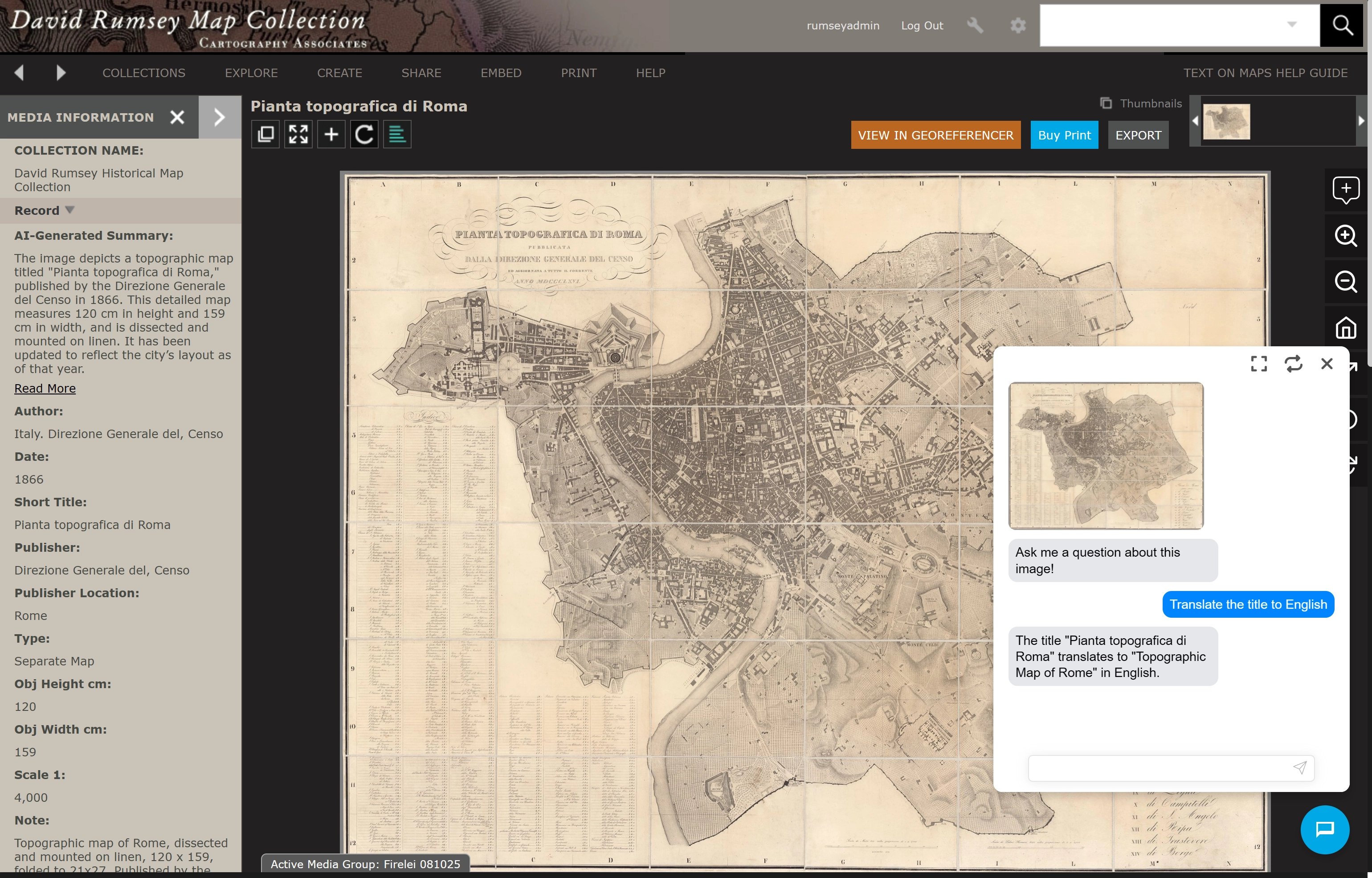
2. Once you're viewing a map, pay close attention to the new AI-Generated Summary in the left sidebar. You can ask specific questions about the map shown like, "Translate the title to English." You can also ask about the map maker, the history of the places shown, and more.
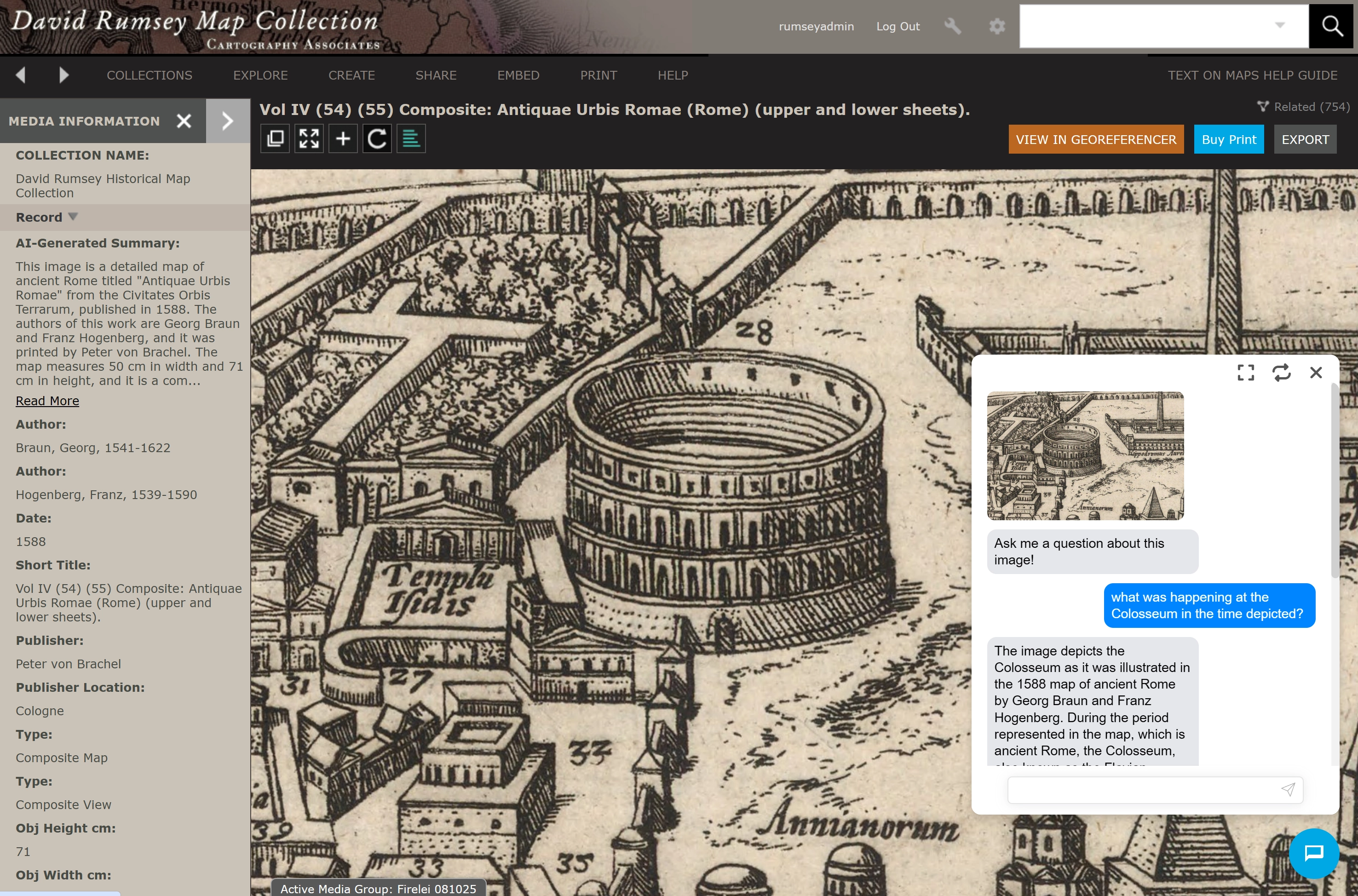
3. You can also zoom into the map and ask questions about the section being viewed, like "what was happening at the Colosseum in the time depicted."
The AI Search Assist will draw on the map image itself, the AI Large Language Model (LLM of OpenAI) and our descriptions database to give useful information. Remember that the AI technology is evolving and will improve over time. Inevitably there may be errors in the answers given, although we have found very few because the AI Search Assist relies primarily on our own database of descriptions as a check for its answers.